
Introduction: Why Small Battery Uplights Need the Right Format
A small fixture can solve a difficult placement problem: a banquet wall without convenient outlets, a DJ booth with limited floor space, or a centerpiece that needs a focused accent. But mini battery uplights serve different jobs. A warm-white pinspot and a color-changing PAR may both fit in a compact kit while producing very different results.
Start with the target surface, beam, required colors, and operating time. Then compare control and housing. This guide narrows the LumiUp product collection to Mini S1, S2, S3, S4, and S6 for dry indoor weddings, hospitality, mobile production, and rental work.
Quick Answer
Choose Mini S1 for a narrow 2700K warm-white pinspot accent. For RGBWA+UV color, compare S2’s single-emitter format, S3’s lens options, S4’s slim body, and S6’s square body. Start with the intended surface and setup; the comparison below identifies the checks needed before ordering.
Key Takeaways
- Mini S1 is a warm-white pinspot; S2, S3, S4, and S6 are RGBWA+UV color fixtures.
- Beam angle and placement determine coverage; emitter count alone does not establish useful brightness.
- Published runtime must stay attached to its model and test mode.
- Black or white housing affects visual integration, not the color engine.
- Plan these selections for dry indoor use and verify control with the actual transmitter.
What Is a Mini Battery Uplight?
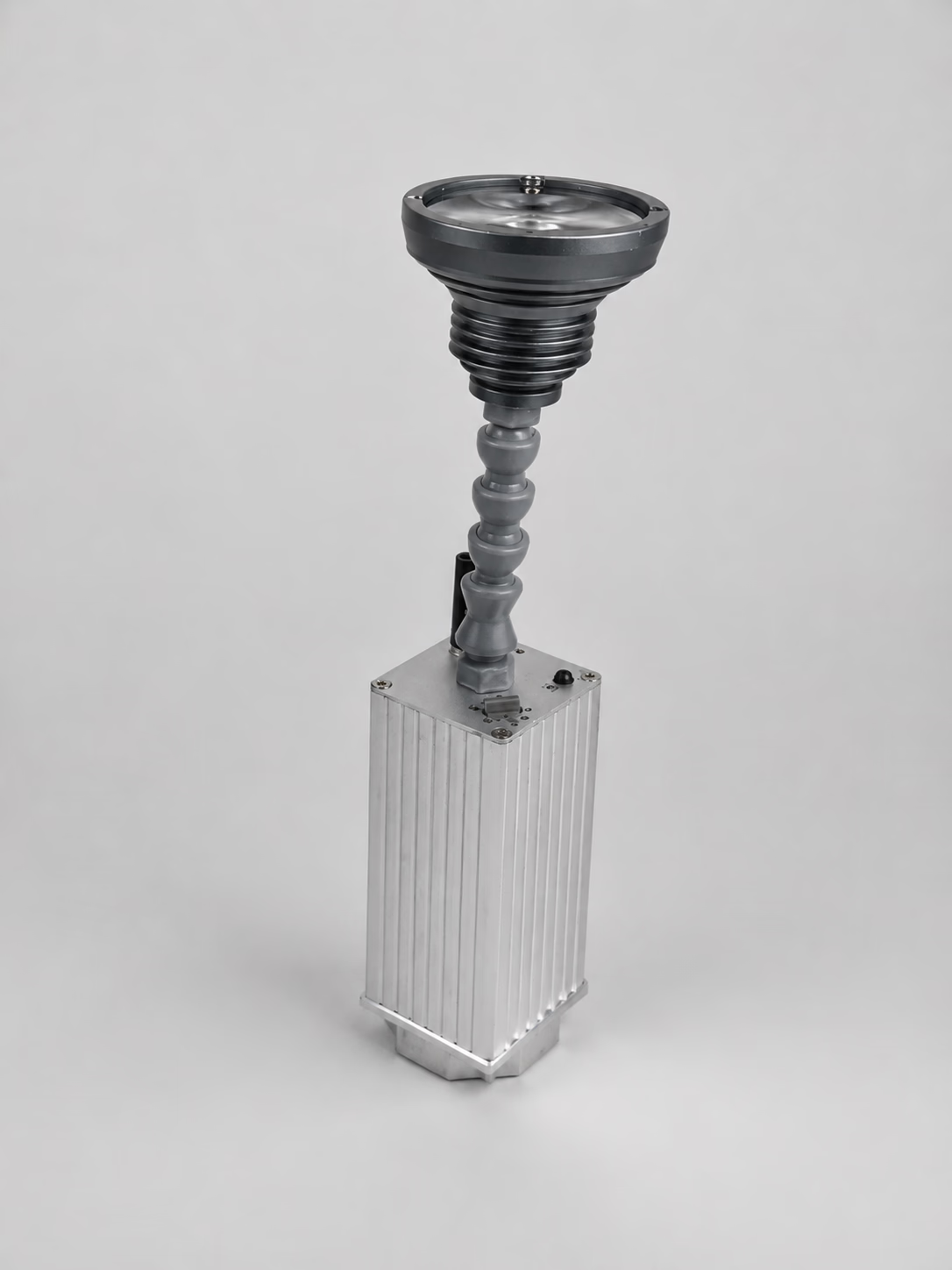
A mini battery uplight is a compact rechargeable fixture used near walls, columns, displays, or event details. Battery operation removes the need for a continuous power cable during use. A small wireless uplight can also receive lighting commands without a signal cable when a compatible wireless system is available.
“Mini” describes a format, not a shared technical platform. The Mini S1 pinspot uses a 10W XPE LED, a narrow beam, IR remote and onboard brightness control, plus a magnetic base. Its standard output is 2700K; custom CCT may be available for projects. It does not provide the RGBWA+UV palette of the color PAR models.
For wedding centerpieces and cakes, the warm white battery pinspot guide develops beam, placement, control and kit-count planning for Mini S1.
Cable-free placement still requires stable positioning, a charged battery, and a suitable environment. Check the actual footprint and aiming range before specifying a tabletop battery uplight beside guests or décor.
Choose the Beam Before Choosing the Fixture
Choose the illuminated area first. A narrow beam can isolate a centerpiece or create a concentrated vertical accent. A wider beam can cover more wall at a given distance, but coverage and intensity also depend on aiming, setback, optics, surface reflectance, and ambient light.
Mini S1 publishes a 6–8° beam. S2 and S4 publish 30° ±5°, S6 publishes 25°, and S3 offers 15° / 40° lens options. Confirm the S3 optic configuration when ordering: those two angles do not establish motorized zoom or switching between angles through DMX.
Test a sample against the intended wall with the planned color and room lighting. Photograph the whole illuminated area, including edges and gaps. LED wattage and beam angle alone cannot tell you whether a fixture will meet a particular throw or wall-height requirement.
Mini Battery Uplight Applications
Swipe horizontally to compare applications and selection checks.
| Application | Starting point | Check before specifying |
|---|---|---|
| Wedding and banquet walls | Color PAR with a suitable beam | Color on venue finishes, guest sightlines, show runtime |
| Centerpieces and floral details | Mini S1 narrow warm-white pinspot | Aiming, mounting surface, glare, required CCT |
| DJ and mobile production | RGBWA+UV PAR with planned control | Transmitter pairing, fixture profile, load-in and charging |
| Hotel and venue accents | Compact fixture suited to each feature | Housing visibility, staff operation, dry placement |
| Small event-rental kits | Repeatable model and optic configuration | Presets, labeling, charging access, reserve fixtures |
When choosing a battery uplight for weddings, distinguish room color from table-detail lighting. One can require broad coverage while the other needs a small, accurately aimed spot. For DJs and mobile production, prioritize reliable cue control and a repeatable setup sequence.
In a small rental kit, fewer configurations can simplify preparation. Keep separate labels for optics and control modes, and document the approved scene. The faster event setup guide covers the wider crew workflow.
Mini S1, S2, S3, S4 or S6?
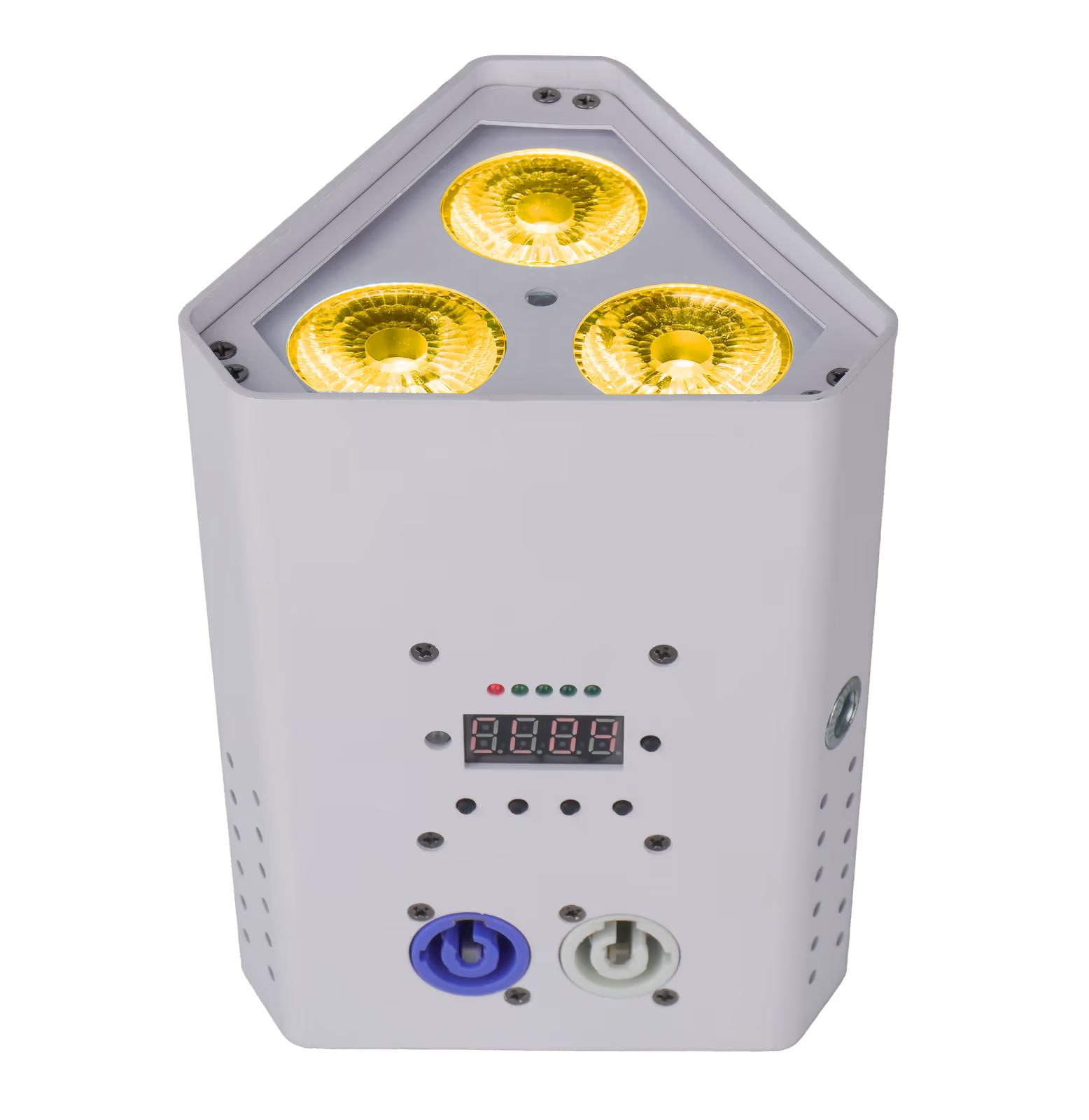
The matrix pairs published specifications with a reason to shortlist each model and a pre-order check. It does not rank output by LED count. For S2, S4, and S6, runtime is not published: request data at your target brightness, color, and operating mode before confirming quantities.
Swipe horizontally to compare model specifications and published runtime modes.
| Model | LED configuration | Beam or optics | Control | Housing and environment | Selection reason / pre-order check | Published runtime |
|---|---|---|---|---|---|---|
| Mini S1 | 10W XPE; standard 2700K | 6–8° | IR remote; onboard brightness | Aluminum; magnetic base; IP22; dry indoor planning | Choose for magnetic detail lighting; check the mounting surface and aiming position | Approximately 10 hours at full brightness |
| Mini S2 | 1 × 18W RGBWA+UV 6-in-1 | 30° ±5° | 2.4GHz wireless DMX receiver/transmitter; IR; standalone | Black and white shown; IP rating not published; dry indoor planning | Choose for a single-emitter color format; confirm transmitter pairing and channel mode | Not published; request target-scene data |
| Mini S3 | 3 × 18W RGBWA+UV 6-in-1 | 15° / 40° lens options | Wired DMX512; 2.4GHz wireless DMX; IR; standalone | Black or white die-cast aluminum; IP20; dry indoor | Choose when lens choice matters; specify 15° or 40° on the order (not motorized zoom) | Approximately 2.5 hours full RGBWA+UV; up to 15 hours single color; approximately 7.5 hours auto |
| Mini S4 | 4 × 15W RGBWA+UV 6-in-1 | 30° ±5° | 2.4GHz wireless DMX; IR; standalone | Slim format; confirm finish and protection details; dry indoor planning | Choose for a slim placement; verify footprint, supplied finish, and charger arrangement | Not published; request target-scene data |
| Mini S6 | 6 × 18W RGBWA+UV 6-in-1 | 25° | Wired DMX512; 2.4GHz wireless DMX; IR; standalone | Black or white iron housing; square format; IP rating not published; dry indoor planning | Choose for a square body with 25° optics; check footprint, aiming clearance, and cable access | Not published; request target-scene data |
Use the individual Mini S2, Mini S3, Mini S4, and Mini S6 records to check the proposed order. LED count and battery capacity in mAh establish neither useful brightness nor runtime; compare sample results under the same conditions.
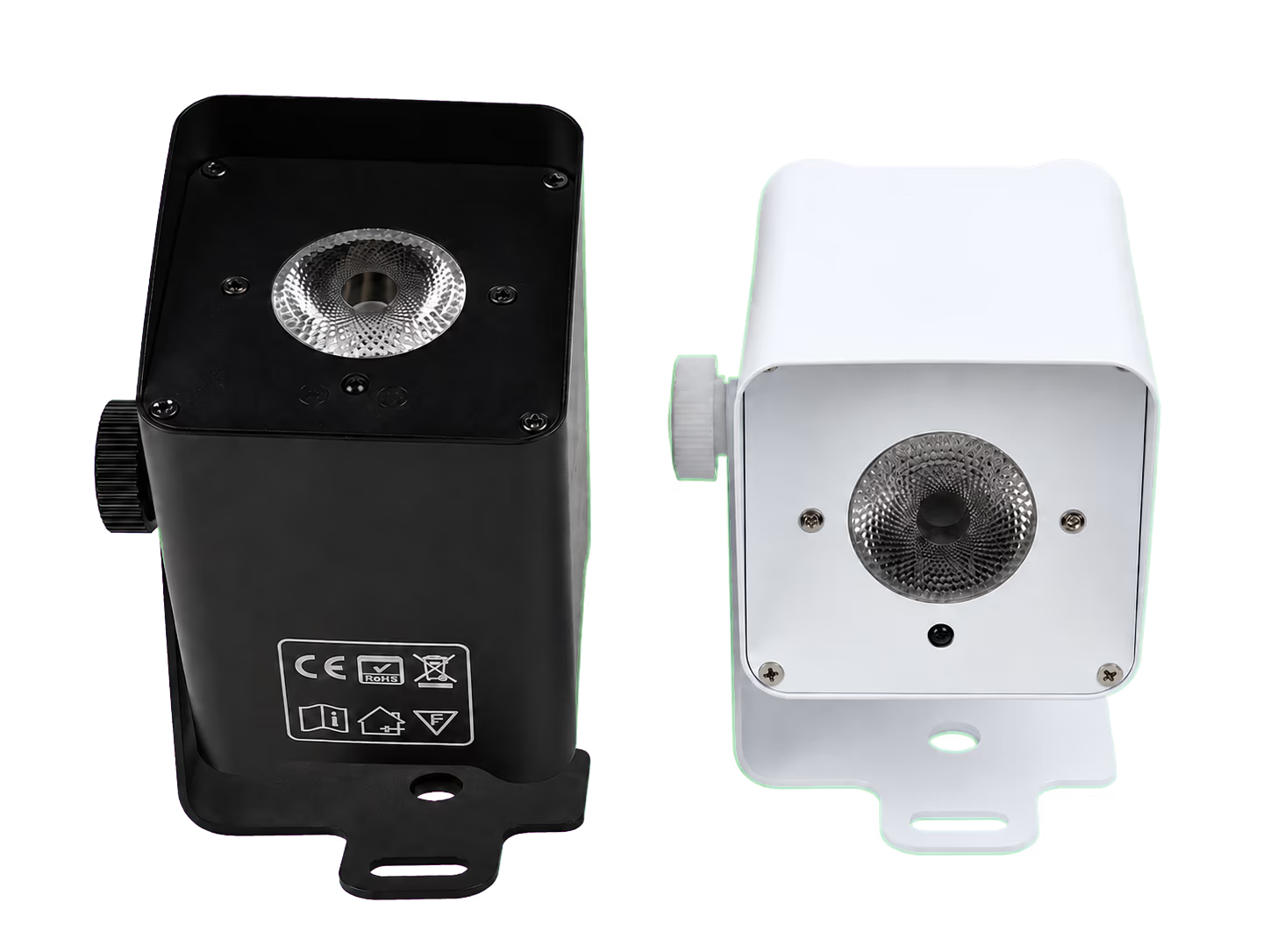
S2 product photographs show black and white versions; S3 and S6 publish both housing options. Confirm the finish supplied for each ordered model. Use the white versus black housing guide to assess visibility against drapes, walls, and booth finishes.
RGBWA+UV in a Mini Fixture
S2, S3, S4, and S6 combine red, green, blue, white, amber, and UV channels. This gives a small floor uplight that changes color a broader mixing palette than a fixed warm-white pinspot. Amber provides another ingredient for warm shades; UV is an effect channel whose result depends on the target material.
An RGBWA+UV mini uplight is not automatically high-CRI or suitable for photographic white light. Evaluate white scenes, flowers, fabrics, and any camera work separately. The RGBW, RGBWW, and RGBWA+UV guide explains the color-engine differences without treating channel count as a quality measurement.
Wireless DMX, IR Remote or Standalone Mode?
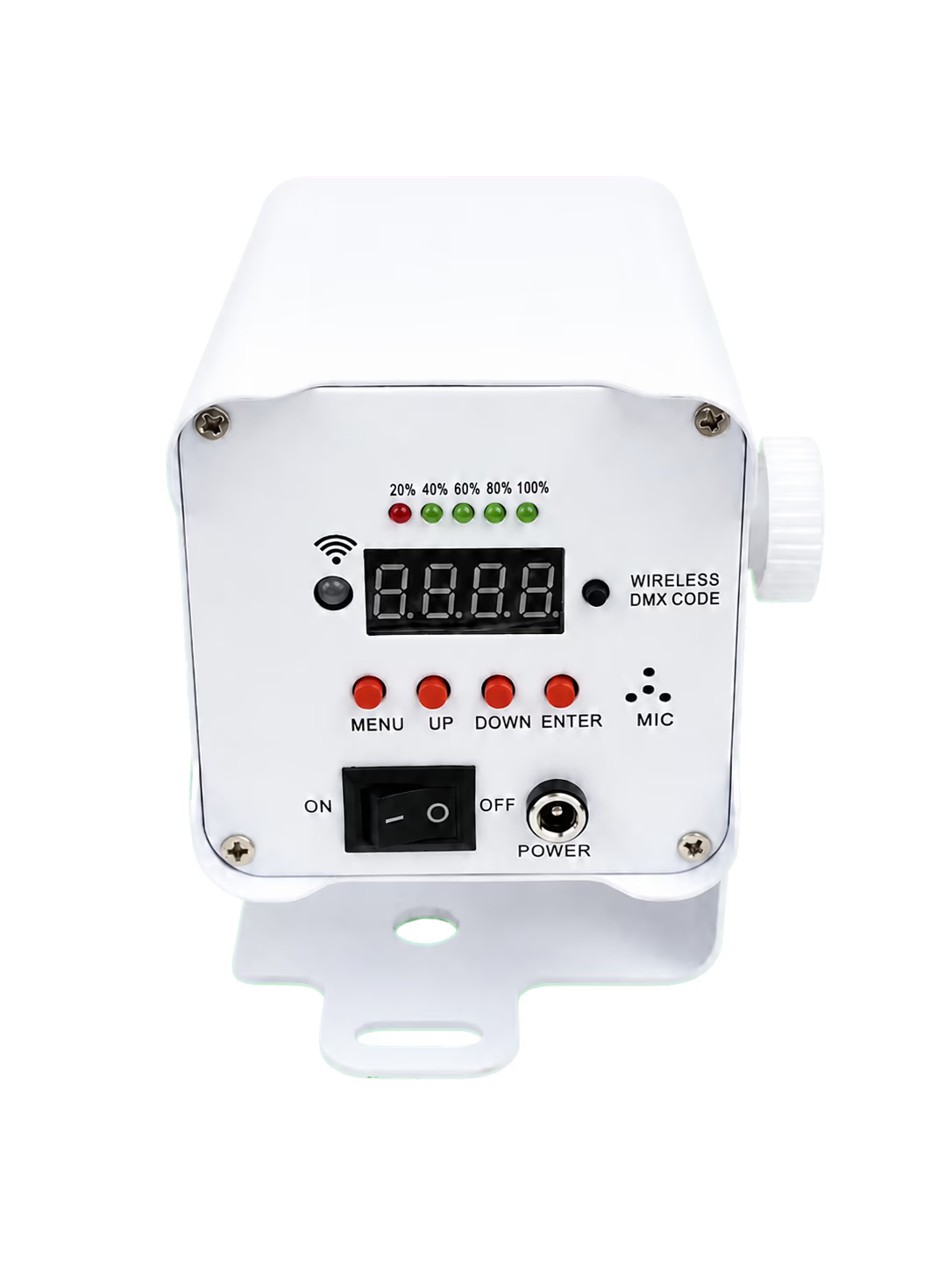
Use wireless DMX when a console must coordinate cues across the room. Mini S2 publishes a built-in 2.4GHz wireless DMX512 receiver/transmitter and 6CH / 8CH / 10CH modes. Mini S3 publishes wired DMX512, built-in 2.4GHz wireless DMX, and 6CH / 10CH modes. Keep channel maps specific to each model.
The 2.4GHz label identifies a radio band; it does not prove interoperability with every wireless DMX system. Confirm the actual radio implementation, transmitter, pairing procedure, and fixture mode. Follow the wireless DMX compatibility guide and test the complete signal path before an event.
IR suits straightforward local adjustments where the remote can reach the receiver. Standalone programs can serve simple automatic or sound-active looks without a console; S2 also publishes master-slave operation. Mini S1 uses IR and onboard control, so do not include it in a wireless DMX patch without model-level support.
Runtime and Charging: Read the Test Mode
Match a runtime figure to the scene you intend to run. The Mini S3 values in the matrix describe three different operating modes; a single-color result cannot support a full RGBWA+UV show-duration claim. Its published charging time is approximately 5 hours, which also needs a place in the event schedule.
Include setup and rehearsal in the required operating window. For models without published runtime, ask for the brightness setting, active colors, operating mode, and test conditions alongside the result. Results from another Mini model are not a substitute.
Battery capacity in mAh alone cannot predict operating hours. Voltage, usable stored energy, driver behavior, and the selected scene matter. Run a fully charged sample through setup, rehearsal, and the actual show sequence, with a reserve before shutdown. For charging logistics and test records, use the battery uplight runtime guide.
Indoor Use, Outdoor Use and IP Ratings
Plan this Mini selection for dry indoor environments. Mini S3 is IP20 and Mini S1 is IP22; neither figure establishes suitability for rain-exposed event work. Do not describe the Mini series collectively as IP65 or outdoor-ready.
A covered patio can still expose fixtures to moisture or wind-driven rain. A battery removes the mains cable during operation but does not add weather protection. Where the current product page omits an IP rating, request the documented specification rather than treating a missing value as outdoor approval. Choose a separately documented environmental platform if the job requires exposure.
How Many Mini Uplights Do You Need?
Count lighting positions from the desired appearance: separate color accents, highlighted columns, or a more continuous wash. Then test the chosen optic at the actual wall setback. A small battery powered uplight that works beside a pale wall may produce a different result against dark brick or under bright room lighting.
Record a successful spacing and apply it to comparable wall sections, allowing for doors, corners, tables, and guest access. Keep a reserve fixture for adjustment or replacement. The uplight quantity and spacing guide develops the layout method; avoid purchasing from floor area alone.
Mini Uplight Pre-Order Checklist
- Record the model, ordered lens, housing finish, and accessories on the quotation.
- Approve a sample on the target surface at the planned setback and color.
- Obtain runtime evidence for the actual show scene, including a reserve.
- Test pairing and cues with the transmitter model you will use.
- Confirm charging capacity, turnaround time, and documented protection for the venue.
Keep the approved configuration with the order so repeat purchases and rental preparation use the same setup.
Frequently Asked Questions
Which Mini model is a small floor uplight that changes color?
Mini S2, S3, S4, and S6 use RGBWA+UV 6-in-1 LEDs for color mixing. Compare their beam and physical format for the intended floor position, then verify control and runtime. Mini S1 provides warm-white pinspotting instead.
Are black and white housings available?
Mini S2 product photographs show black and white versions, and Mini S3 and S6 publish black and white housing options. Confirm the supplied finish for the exact model and order; do not assume that every Mini shares the same finish availability.
How long does Mini S3 run on battery?
Published Mini S3 figures are approximately 2.5 hours at full RGBWA+UV, up to 15 hours in single-color operation, and approximately 7.5 hours in auto mode. Test the planned scene and allow a reserve. These figures do not apply to S2, S4, or S6.
Will Mini wireless DMX work with my transmitter?
Compatibility requires confirmation of the actual wireless implementation and transmitter. A shared 2.4GHz band does not guarantee pairing or interoperability. Test the selected fixture, transmitter, channel mode, and venue layout together before relying on the system.
Can I use Mini battery uplights outdoors?
Plan these selections for dry indoor use. Mini S1 is IP22 and Mini S3 is IP20; neither establishes rain-exposed suitability. Request documented protection details where ratings are unpublished, and select a fixture approved for the actual outdoor conditions.
Does Mini S3 have motorized zoom?
The published specification lists 15° and 40° lens options, not motorized zoom. Confirm whether your order supplies the 15° or 40° lens before specifying coverage; do not plan DMX-controlled changes between those angles.
Choose Your Mini Battery Uplight
A useful portable event uplight must fit the lighting task and the crew’s operating schedule. Compare the LumiUp battery lighting range, then request a configuration review with:
- Your target Mini model or application, and the quantity required.
- The venue and target surfaces, including placement or setback constraints.
- Required light colors, housing finish, and any housing constraints.
- Show duration, plus setup and rehearsal time.
- The model of your existing wireless DMX transmitter, if used.
- Charging turnaround needs, available charging time, and kit rotation between events.
These details let LumiUp check the proposed model, ordered optic, control pairing, runtime evidence, and charging arrangement against your event. Include any sample-test requirements before confirming the order.